Youtubeintro Create an intro
English

Gaming channel intros

Plan your next video with a youtube intro maker for gaming

A youtube intro maker for gaming is most useful when you know what the opening needs to do. Start with the game, your channel name, and one visual idea; keep the sequence short enough that viewers reach the action.

Review output and usage terms before posting.
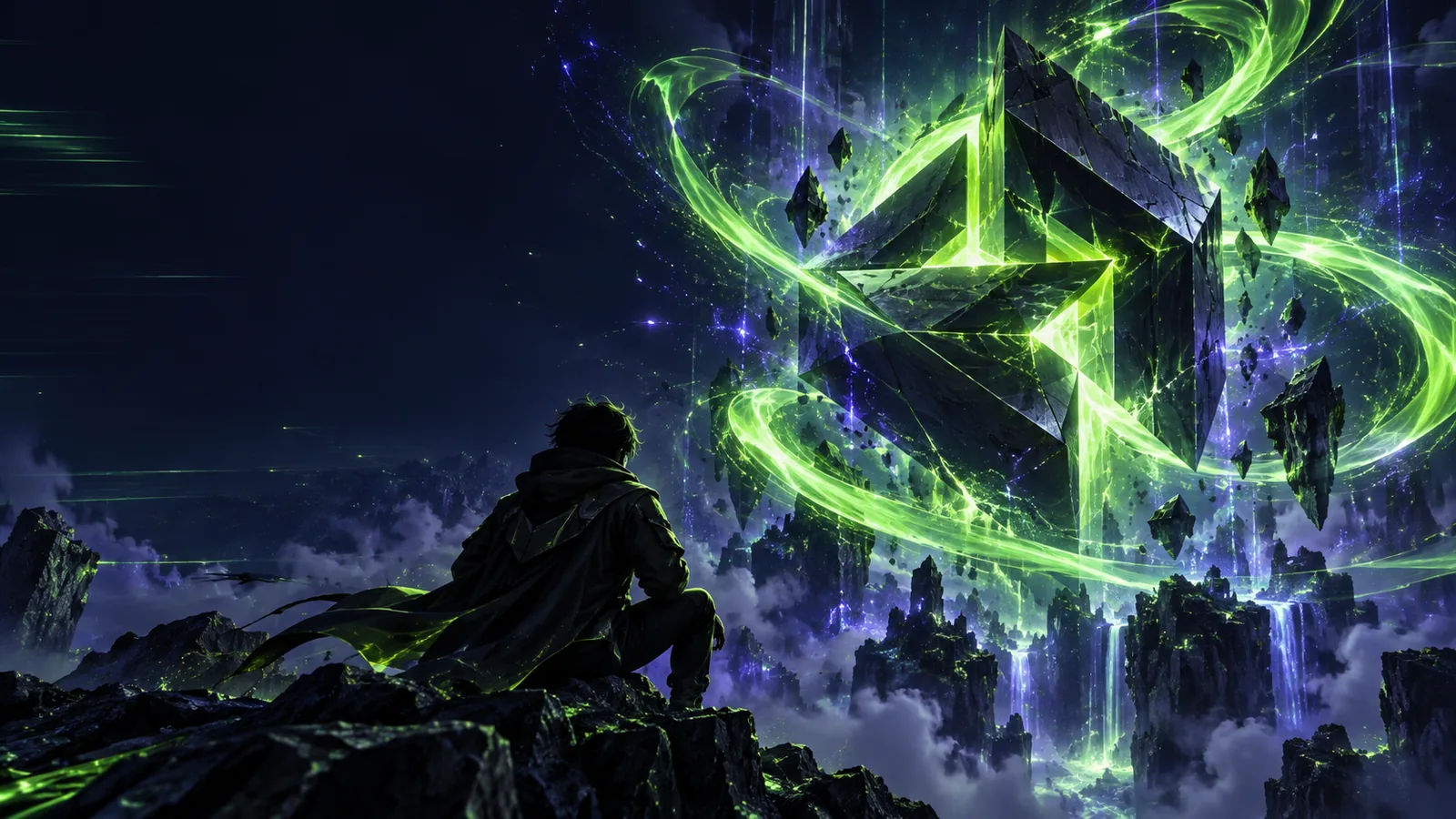
Stylized intro visual with dramatic lighting and a prominent title

The scenario's pain Your best clip should not have to wait.

A long or generic opener can put distance between a viewer and the moment they clicked to see. Match the intro to the kind of gaming video you actually publish.

Highlight editor

A fast montage needs a recognizable channel cue without delaying the first play. Pick one title treatment and carry its colors into the clip rather than adding a separate story before it.

A brief identity beat can give a series consistency while leaving the most exciting footage near the start. For visual directions beyond one montage, browse youtube intro maker examples free.

youtube intro maker examples free

Let's-play creator

Episodes may begin in different locations or moods, so an opener built around one dramatic scene can feel wrong by the next upload. A simple title and repeatable transition are easier to reuse.

Give returning viewers a familiar cue, then move into the episode. If you want a practical sequence for assembling that cue, see youtube intro maker tutorial free.

youtube intro maker tutorial free

Streamer posting VOD clips

A clip often already contains a greeting, alert, or live reaction. Adding another loud introduction can make the start feel crowded, especially when speech is already present.

Choose a quieter visual reveal or skip the extra sound. When selecting music and effects for uploads, review youtube intro maker no copyright.

youtube intro maker no copyright

Creator testing a new channel look

It is tempting to describe everything at once: a logo, multiple games, particle effects, music, and a long tagline. The result may be difficult to read on a small screen.

Test one main subject and one motion idea first, then compare revisions. For help shaping a concise creative brief, explore youtube intro maker ai.

youtube intro maker ai
Three concrete workflows

Choose a workflow based on where the viewer should land after your channel name appears. These are planning approaches, not promises about particular product controls.

    • Highlights

      Cold open, then identity

      Plan a highlight intro

      Execution sequence

      1. Select a moment that makes sense without a long setup.
      2. Write a short channel-name reveal that echoes the clip's colors or energy.
      3. Place the reveal after the hook, then return to the action.

      Open on a strong gameplay moment before showing a brief title reveal. This works when the clip itself explains why someone should keep watching; the identity beat follows the hook instead of replacing it. Keep dialogue intelligible across the transition.

    • Walkthroughs

      Episode label, then gameplay

      Plan an episode intro

      Execution sequence

      1. Decide which title information is essential for this episode.
      2. Describe one background or motion style that fits the series.
      3. Check the text at phone size and cut to the opening scene.

      For a walkthrough or recurring series, identify the game and episode before the action begins. Favor a readable title over several simultaneous effects. The goal is orientation: viewers should know what they are watching without sitting through a fresh trailer each time.

    • Stream clips

      Stream clip with a light touch

      Plan a stream intro

      Execution sequence

      1. Listen to the first seconds of the source clip.
      2. Describe a visual cue that does not obscure the facecam or game HUD.
      3. Compare the cut with and without the cue before publishing.

      When the source clip contains live commentary, consider a silent channel tag or a short transition. Listen before adding any sound: an effect that competes with a reaction can weaken the moment you meant to showcase.

    Example output

    Here is a sample storyboard for a neon-themed highlight opening. It is an editorial example to adapt to your own footage, not a verified export from the linked product.

    Hook: the near miss

    Begin with a gameplay moment that raises an immediate question, such as a narrow escape. Preserve the original game audio so the audience understands the stakes before any branding appears.

    Reveal: channel name

    Cut to a dark background with one legible channel name and a restrained neon edge. Let the reveal reflect the clip's mood; a tense stealth moment probably does not need a celebratory explosion.

    Return: the payoff

    Transition back to the same gameplay sequence rather than a different match. Check that the title has cleared the screen before important action resumes, then watch the full opening on a phone.

    Compliance notes

    A youtube intro maker can help frame an idea, but it cannot settle every publishing question. Check the finished video and the terms for each asset you use.

    It cannot grant rights to game footage

    An intro does not change the rights attached to gameplay, character art, logos, or publisher-owned promotional material. Publishing policies can vary by game and intended use.

    WorkaroundUse footage you recorded or have permission to use, and review the relevant publisher guidelines before posting.

    It cannot make every soundtrack safe

    A track or sound effect may be available to preview without being licensed for your YouTube upload. Rights can also differ between personal videos, sponsored content, and other uses.

    WorkaroundCheck the music source's license and keep a record of the terms that apply to your video.

    It cannot guarantee a clean export

    Watermarks, export formats, and access conditions depend on the product and its current terms. Do not assume an example image represents the exact file you will receive.

    WorkaroundConfirm the available export and its conditions before building a recurring channel style around it.

    It cannot judge your audience's patience

    An attractive reveal may still be too long for a short clip or may cover a HUD element that matters. The right pacing depends on the footage and where the introduction sits.

    WorkaroundWatch the opening on a phone, compare it with a version without an intro, and keep the version that gets to the point.

    Put the plan into motion

    Make the opening serve the gameplay

    Bring one specific idea to a youtube intro maker for gaming: a channel name, a visual direction, and the moment where the intro should give way to the video. Review the result for readability, pacing, and asset rights before you publish.

    • Start with the footage's mood
    • Keep the channel name readable
    • Check the final cut and usage terms

    Scenario FAQ

    Start with a legible channel name and one visual cue that fits the footage. Add a series or episode label only if it helps viewers understand what follows; avoid stacking several messages over a short opening.

    If the highlight has an immediate hook, try showing that moment first and placing a brief identity beat afterward. Compare both cuts on a phone to see which gets viewers into the action more clearly.

    A consistent channel cue can help connect different uploads, but a highly specific background or title may not fit every game. Keep the core name treatment consistent and adjust supporting colors, labels, or pacing when the footage calls for it.

    Only use assets when you have the relevant permission or license for your upload. Check publisher guidance for game material and the music source's terms for the particular track; an intro-making tool does not provide those permissions automatically.

    Watch the opening alongside the first gameplay moment and ask whether the title provides information the viewer needs. If it repeats a greeting, delays the payoff, or hides important action, shorten it or move it after the hook.

    Create an intro
    Create an intro